

Dashboard overview
Dashboard = admin-panel running on your mVPS. This is the backend where you manage “the host + 3 AI agents”.
How it differs from the Member Portal (realvco.com Account page):
| What you want | Where to look |
|---|---|
| Subscription / referrals / tickets / commissions | Member Portal (on realvco.com) |
| Host operations / AI agent settings / usage | Dashboard (on mVPS) |
4 tabs
Dashboard (admin-panel)
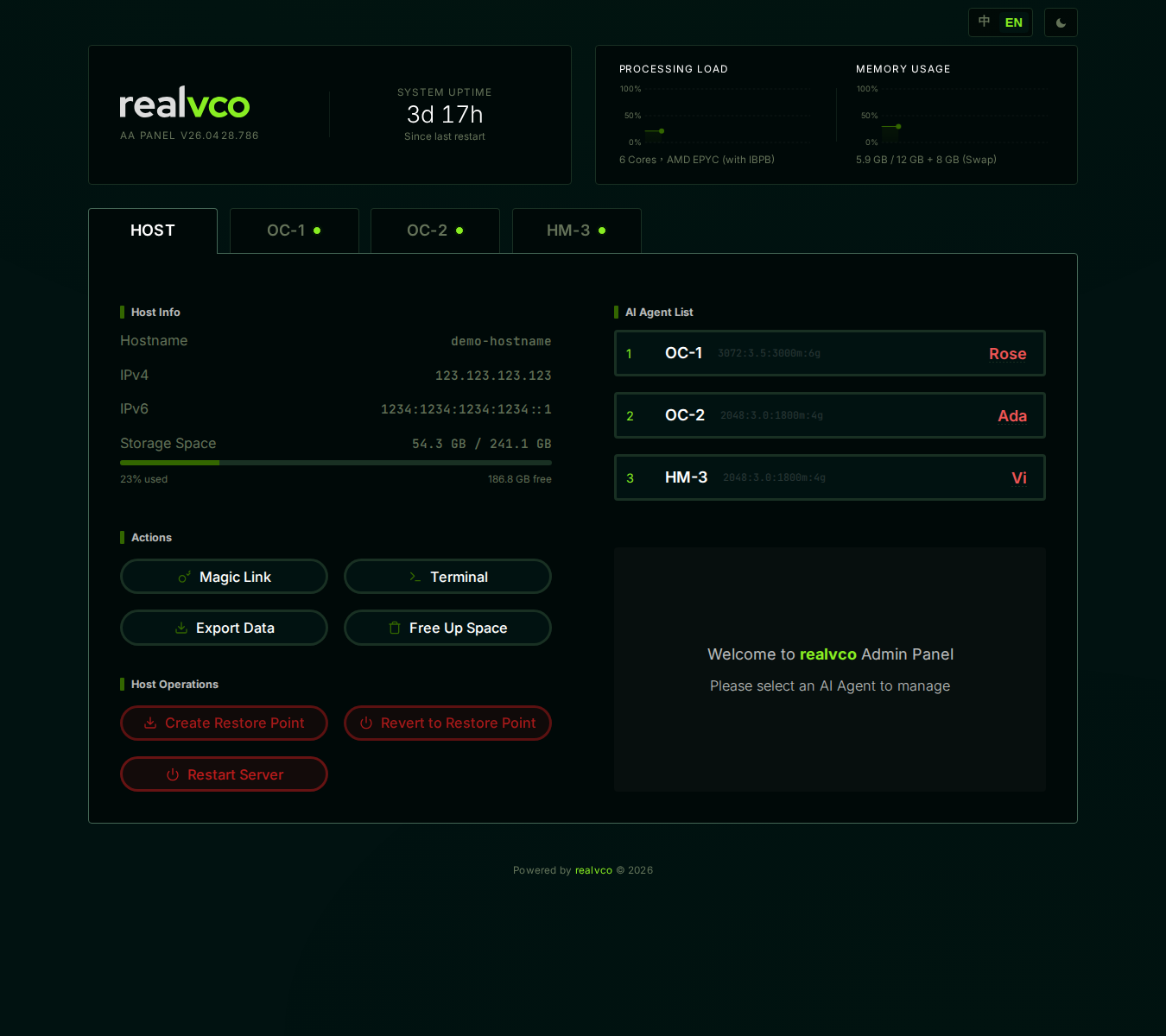
├─ HOST tab                  ← whole-machine operations
└─ Three AI agent tabs
   ├─ OC-1 (OpenClaw → Rose)
   ├─ HM-2 (Hermes-Agent → Ada)
   └─ HM-3 (Hermes-Agent → Vi)
Each AI agent tab has the same internal structure, 4 sub-tabs:
| Sub-tab | What it shows |
|---|---|
| Home | AI live status + chat entry |
| Activity | Scheduled tasks / chats / error log |
| Usage | Token usage trend chart |
| Settings | Version Upgrade / ROOT / Backup / Platform Connection |
When to come here
| Task | Path |
|---|---|
| Check host IP / storage | HOST tab → Host Info |
| Restart host / create restore point | HOST tab → Host Operations |
| Generate Magic Link for someone’s temporary access | HOST tab → Actions |
| Find why AI didn’t reply | OC-1 tab → Activity sub-tab |
| Check this month’s token cost | OC-1 tab → Usage sub-tab |
| Pause an AI agent | OC-1 tab → Home → Pause |
| Change AI model / upgrade engine | OC-1 tab → Settings sub-tab |
| Connect Telegram bot | OC-1 tab → Settings → Platform Connection |
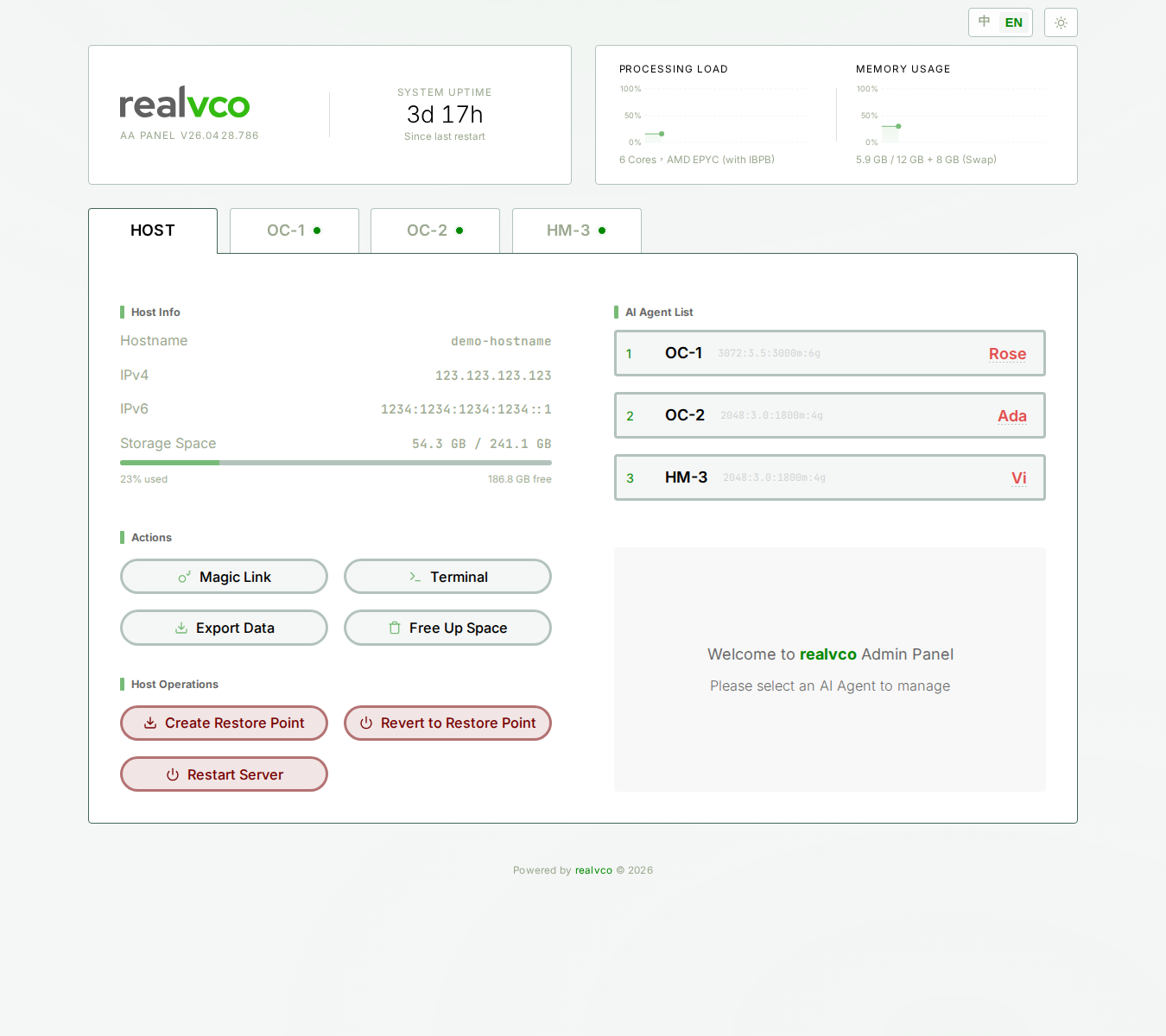
Layout
Most efficient learning order
First time in dashboard, follow this order:
- HOST tab overview — 4-section map (Host Info / AI List / Actions / Host Operations)
- AI agent tab overview — 4 sub-tab map
- Then dive in by need:
- Want to upgrade engine → Version Upgrade
- Want to backup → Auto + Backup Now
- Want to enable ROOT → ROOT Access
How to log in each time
Subsequent logins:
- Open browser bookmark
https://your-host-00.realvco.com/ - Cookie within 30 days → enter directly
- Cookie expired → goes to login page, click Magic Link from setup email again
See First-time login.
Related
- HOST tab overview — HOST tab 4 sections
- AI agent tab overview — OC/HM 4 sub-tabs
- Member Portal — realvco.com Account page (vs this interface)
- Three interfaces overview — All realvco interfaces compared