

AI Agent List
The list in the right column of the HOST tab. Shows the basic info of all three AI agents (OC-1 / OC-2 / HM-3). A 3-second glance tells you which agent needs attention.
Where to find
HOST tab → top-right → AI Agent List
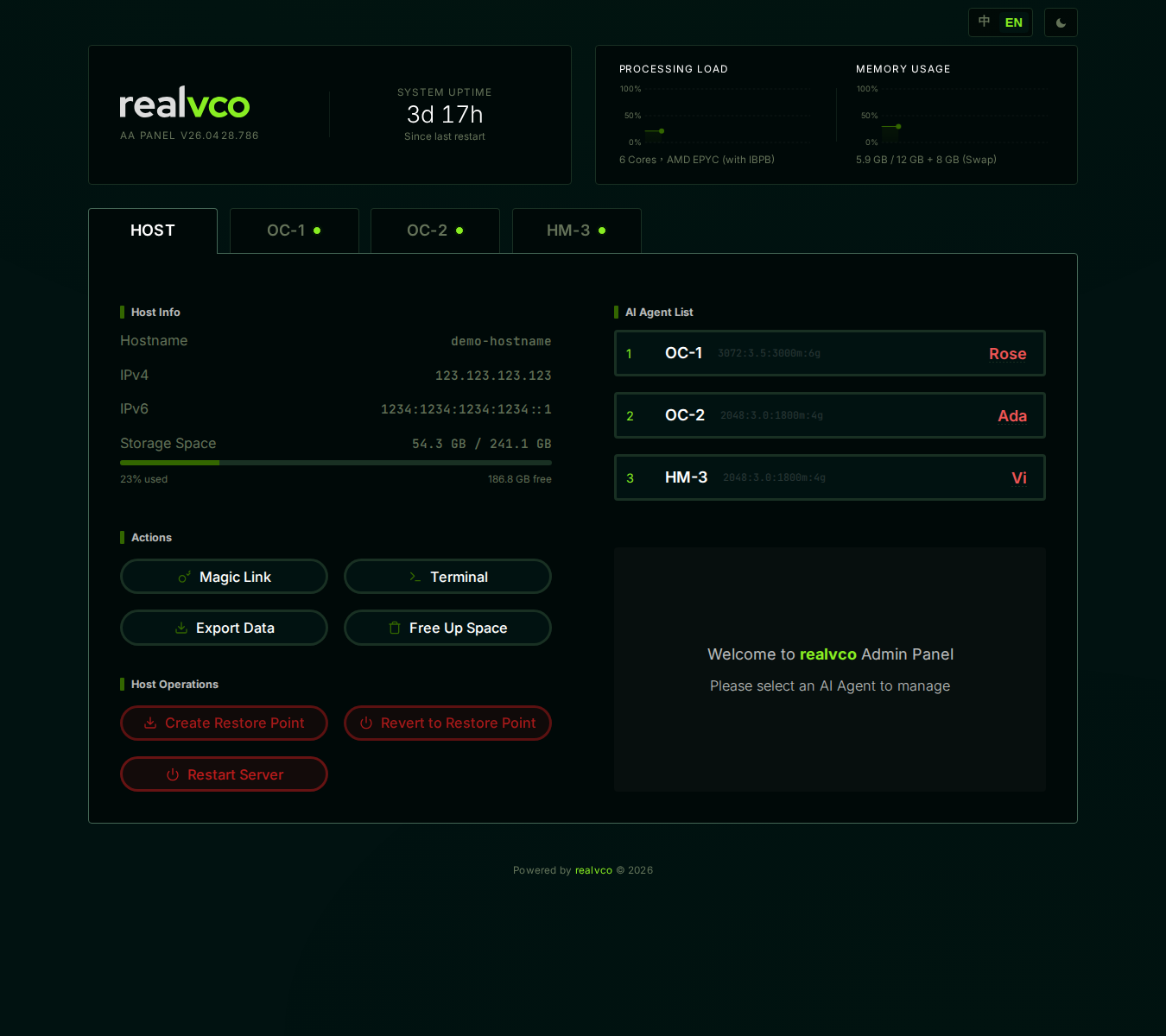
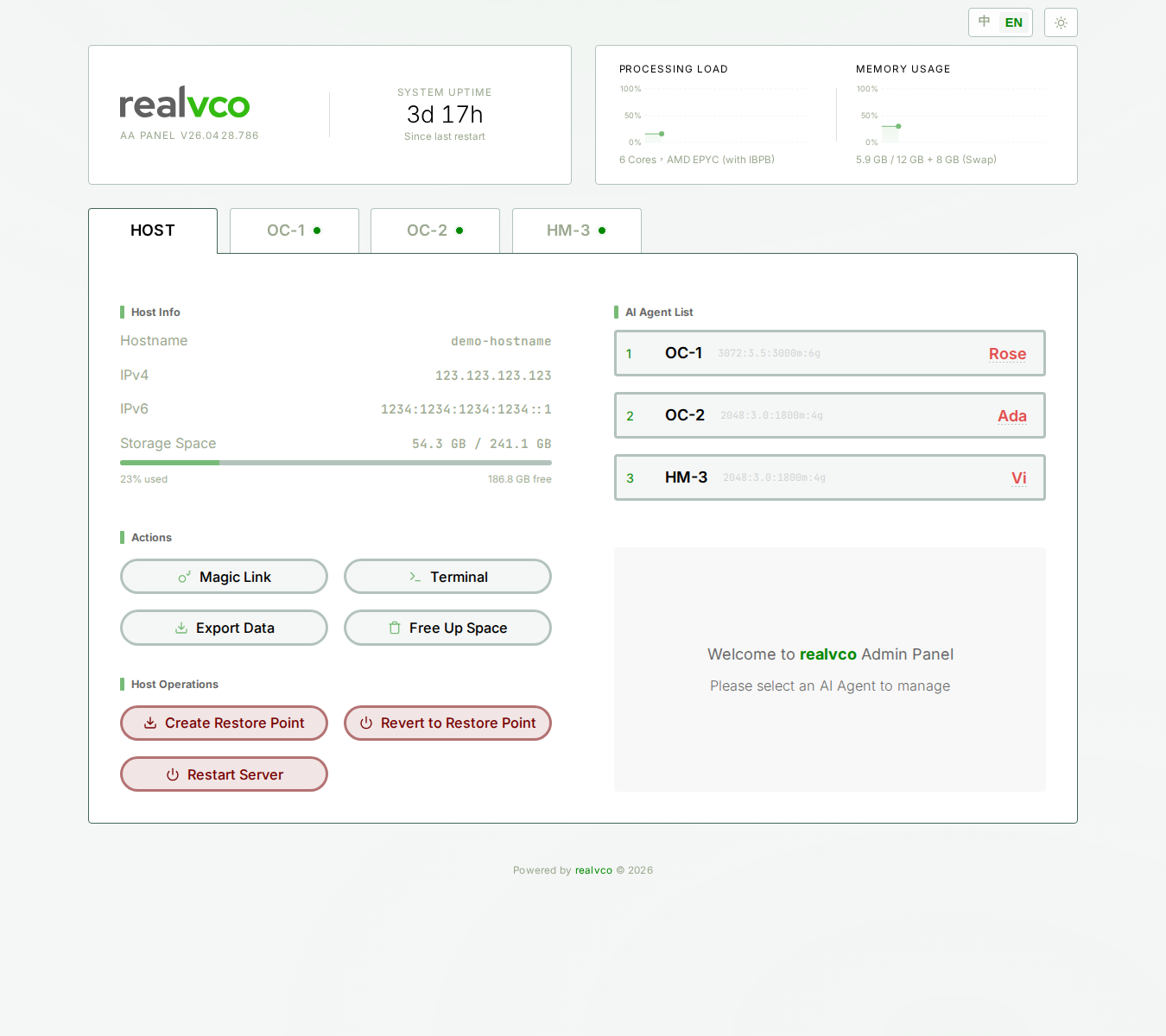
What each agent row shows
3 fields per row:
| Field | Example | Meaning |
|---|---|---|
| Number + Container code | 1. OC-1 | Internal container name (OC = OpenClaw engine, HM = Hermes engine) |
| Resource allocation | 3072:3.5/3000m:6g | CPU shares + memory limit encoding |
| Nickname (red text) | RoseZ | Your custom name for this agent |
The 3 agents’ default roles
| Agent | Pre-installed software | Default role | Customizable |
|---|---|---|---|
| OC-1 | OpenClaw | Rose — full manager, ROOT pre-enabled | Nickname, persona prompt, model |
| HM-2 | Hermes-Agent | Ada — high-volume support, creative writing, knowledge Q&A | Nickname, persona prompt, model |
| HM-3 | Hermes-Agent | Vi — platform breadth, English scenarios, self-maintaining skill library | Nickname, persona prompt, model |
How to use the list
Check status
- Green light: AI agent running normally (container up, ready to chat)
- Red / gray light: maybe offline, stopped, or starting up (depends on admin-panel display)
Switch to agent tab
Click any row → admin-panel switches to that agent’s OC-1 / OC-2 / HM-3 tab, where you see details (Home / Activity / Usage / Settings).
FAQ
Q: What does 3072:3.5/3000m:6g mean?
Container resource encoding (CPU shares / CPU cores / memory limit / memory swap). Most users don’t need to read this — it’s for tech debugging.
Q: Can I rename agents?
Yes. Switch to the agent’s tab → Settings sub-tab → find nickname field → save.
Q: Do I have to use all 3?
No. 3 is the default; you can use just 1 or 2. Idle agents don’t burn tokens (no chat = no cost).
Related
- HOST tab overview — 4-section map
- AI Agent tab overview — What you see after clicking into an agent