

Tencent Yuanbao setup
Yuanbao is Tencent’s collaboration platform, primarily serving the Greater China market (mainland China, Hong Kong, Macau). If your customers or team are mostly in this region, Yuanbao is the natural channel — Telegram / Discord / WhatsApp face network restrictions there, while Yuanbao is the local default.
Hermes v0.12 ships a native Yuanbao adapter (more direct than the plugin-based Teams integration). Setup needs only one set of API credentials.
Yuanbao integration is Hermes-Agent only (Ada / Vi both come with Hermes-Agent and can connect to Yuanbao). Rose (OpenClaw) cannot connect to Yuanbao.
Flow Overview
① Create an app in Yuanbao Developer Portal       ← 5 minutes
② Get API Key + Bot ID                            ← instant
③ Paste credentials into admin panel              ← 30 seconds
④ Search the Bot in Yuanbao and add as friend     ← instant
⑤ Start chatting                                 ← done!
Pre-requisites
You need:
- Tencent Yuanbao account (sign in with WeChat / Tencent ID)
- Access to the Yuanbao Developer Portal (regular accounts can access it — unlike Teams)
- realvco admin panel login
- Vi (
hm-3container, Hermes v0.12 or later) on your host
Step 1: Create a Bot in Yuanbao Developer Portal
Go to the Yuanbao Developer Portal (search “元寶開放平台” or enter from Yuanbao app settings).
- Sign in and click Create application
- Application type: Bot (chatbot)
- Fill in basics:
- Name: how the Bot appears in Yuanbao (e.g. “Vi Assistant”)
- Description: one-line description (shown on Bot profile)
- Avatar: optional, a recognizable image is recommended
- Submit. After a few seconds of automatic review, you’ll get two values:
| Value | Use |
|---|---|
| API Key | Acts as a password — don’t leak |
| Bot ID | Public identifier, shows on Bot profile |
API Key is equivalent to a password. Anyone with it can control your Bot.
- Don’t screenshot it into public groups
- Don’t commit it to public Git repos
- If leaked, regenerate it in the Yuanbao Developer Portal — the old key will be invalidated
Step 2: Configure in admin panel
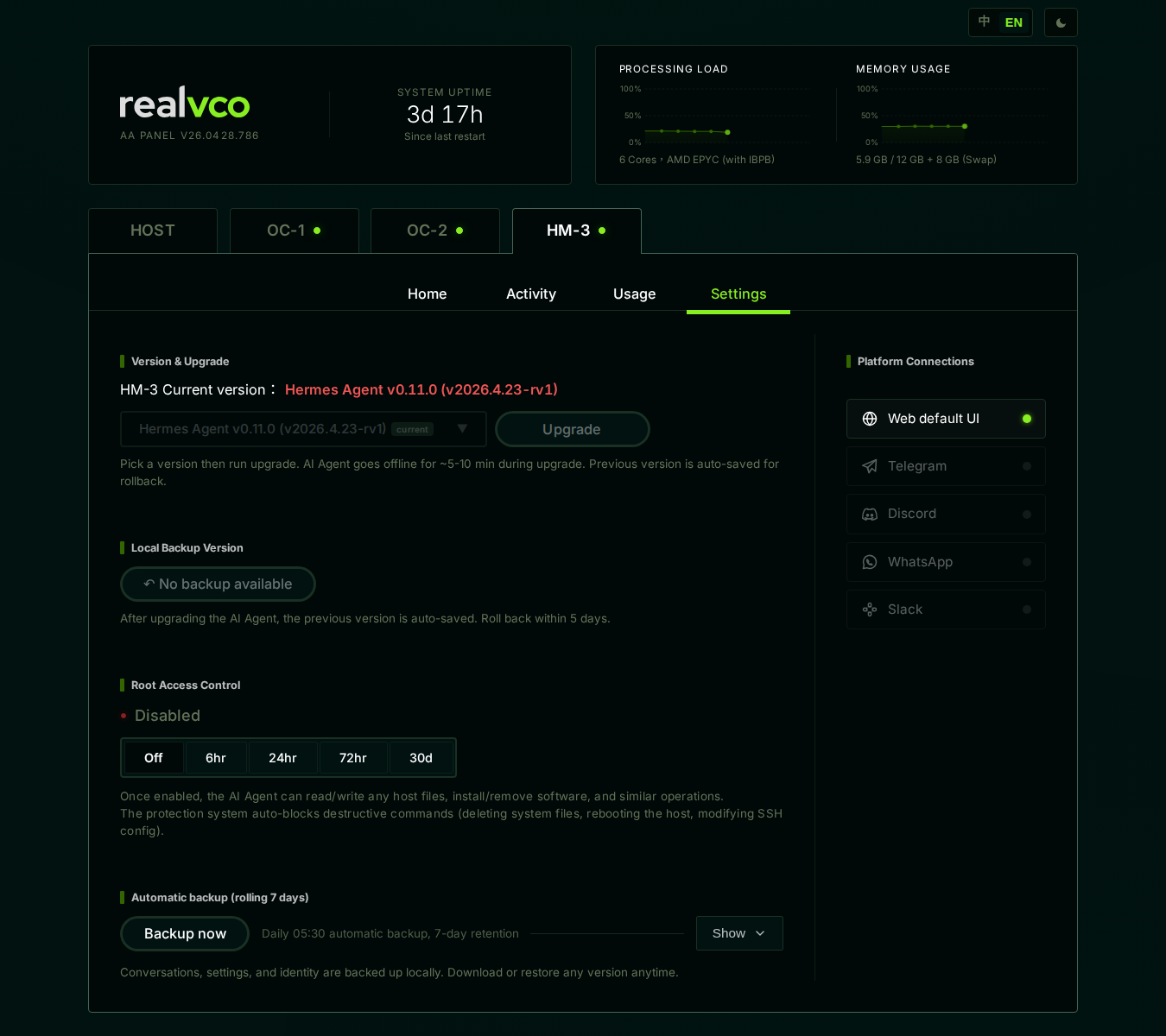
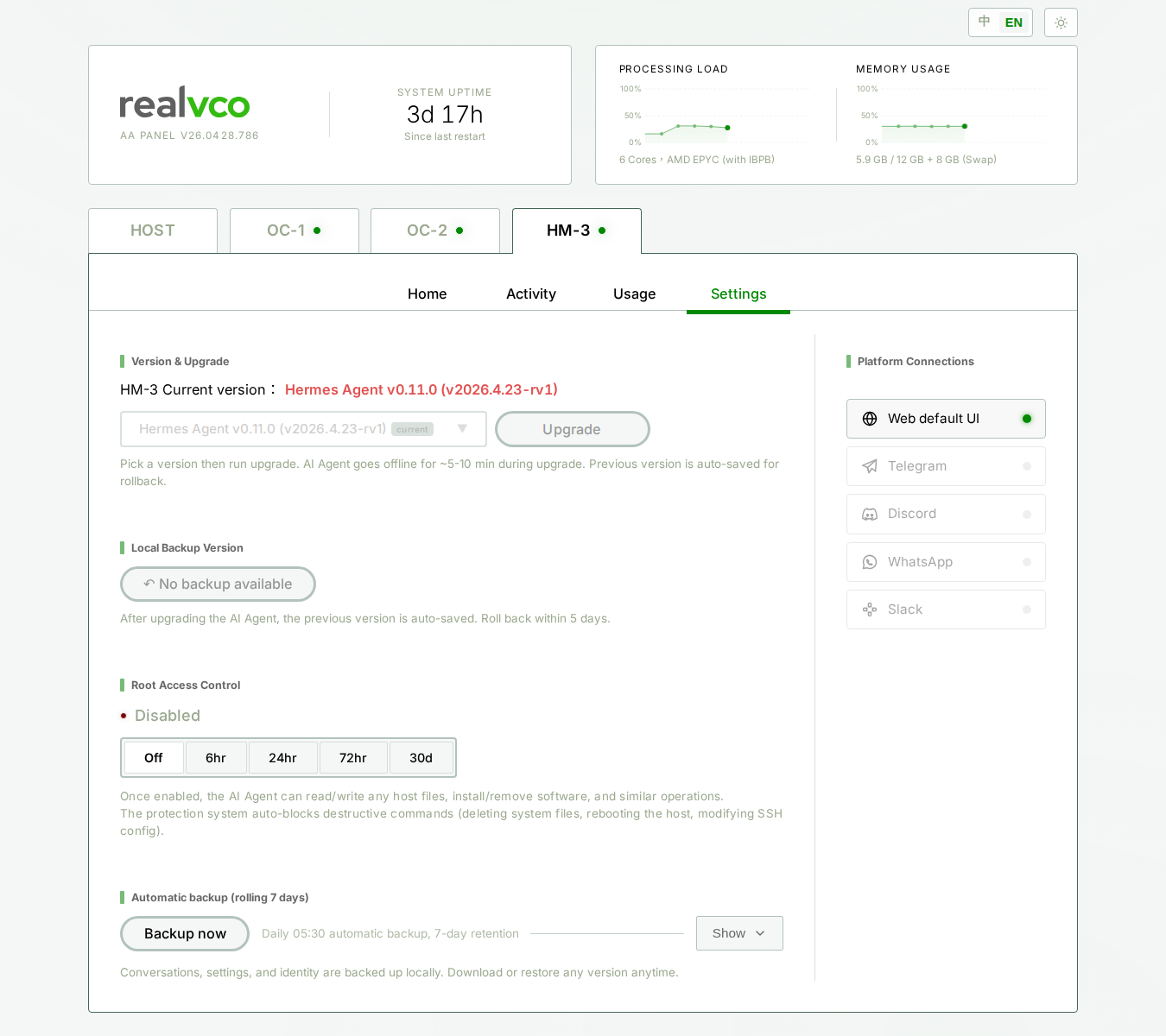
- Sign in to admin panel
- Switch to the hm-3 (Vi) container
- Settings → Messaging → Tencent Yuanbao
- Paste in:
- API Key
- Bot ID
- Click Save
Live validation. On success:
- ✅ Bot Display Name
- ✅ Bot ID authenticated
- ✅ Connection Status: Connected
Common failure modes: typo’d API Key, mismatch between Bot ID and API Key (e.g. forgot to update both when switching Bots).
Step 3: Find the Bot in Yuanbao and start chatting
Open Yuanbao app or web. Search the Bot name you just created (e.g. “Vi Assistant”) → tap Add Friend.
Once added, send any message in the chat window — Vi will respond.
📷 The Yuanbao chat window is native Yuanbao app UI — search the bot name you created and add it as a friend to open the conversation.
Advanced configuration
Adding the Bot to Yuanbao groups
Add the Bot to a group:
- Group settings → Add member → search the Bot name
- By default the Bot only replies when
@mentioned
To respond to every message, tell Rose:
“Please set Vi’s Yuanbao group XXX to reply without @mention”
Allowlist
By default, anyone who friends the Bot can chat with it. To restrict:
“Please limit Vi’s Yuanbao Bot to these user IDs only: [list]”
To find your own Yuanbao user ID: in the Yuanbao app, Profile → My ID.
Media support
Vi on Yuanbao supports:
- ✅ Text messages
- ✅ Images (auto-analyzed)
- ✅ Voice (auto-transcribed)
- ✅ Files (PDF / Word / Excel)
- ✅ Emoji reactions
- ⚠️ Video / live (depends on current Yuanbao API capabilities — may not be supported)
API quota
Yuanbao has API rate limits per app tier. Small Bots won’t hit them, but high-volume customer support scenarios may need to upgrade the app tier or apply for the enterprise plan in the developer portal.
FAQ
The Bot doesn’t reply
- Confirm credentials: admin panel’s Yuanbao settings page should show “Connected”
- Check Vi container: admin panel → hm-3 → Home → Running
- Check activity log: admin panel → hm-3 → Activity → see if messages arrived
- Yuanbao platform health: occasionally Yuanbao’s own API has transient outages — check the developer portal status page
- Restart the container: admin panel → hm-3 → Restart Container
High latency
- Normal: 1-3 seconds
- Over 10 seconds:
- Vi’s model may be busy (check admin panel → Usage)
- Yuanbao API rate limit (high message volume can trigger throttling)
- Try a lighter model (GPT-4o-mini, Claude Haiku)
Can I create multiple Bots?
Yes. Each Bot is independent with its own credentials. Useful combinations:
- Bot 1 → Vi (public-facing customer support)
- Bot 2 → Vi (internal employees only)
My API Key leaked
Immediately go to Yuanbao Developer Portal → your app → Regenerate API Key. The old key is invalidated immediately. Don’t forget to update admin panel afterwards.
Yuanbao account got banned
That’s a Yuanbao platform-level issue, outside realvco’s control. Contact Yuanbao official support. In the meantime, you can route Vi through other platforms (Telegram / Discord) to keep service running.
Next
- Microsoft Teams setup — enterprise internal collaboration
- Telegram setup — global default
- Messaging overview — all 19 supported platforms
- Vi configuration guide — persona and tools