

URL and Token Map
When you order a realvco server you receive 4 URLs and 4 Magic Tokens. One table, zero confusion.
The 4 URLs You Receive
Every URL follows the pattern https://{your-prefix}-XX.realvco.com/ — the difference is in -XX:
| Suffix | Purpose | Container | Pre-installed software |
|---|---|---|---|
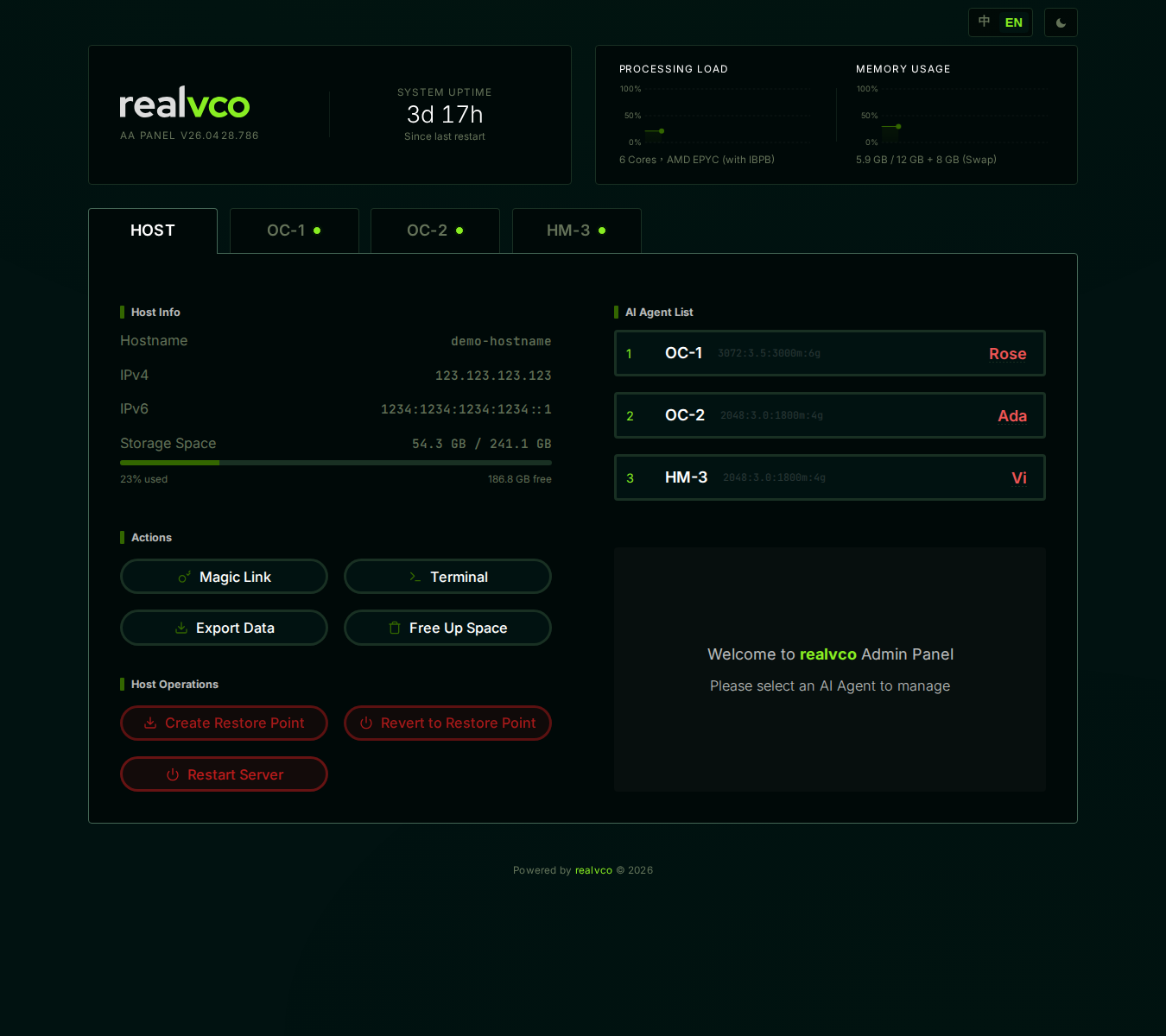
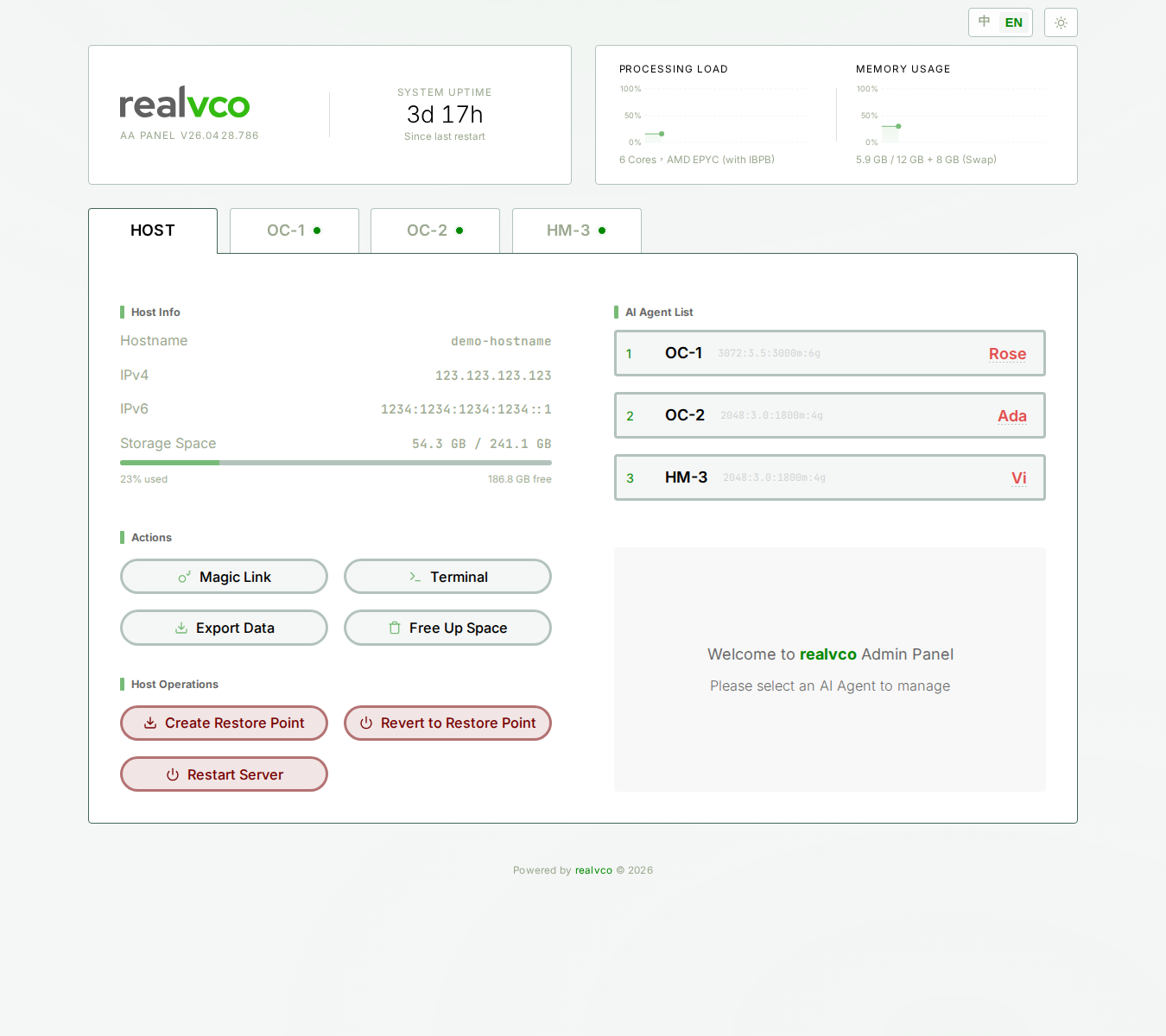
-00 | Admin Panel | Host itself | N/A |
-1 | Rose’s OpenClaw UI (chat) | oc-1 | OpenClaw |
-2 | Ada’s Hermes UI (chat) | hm-2 | Hermes-Agent |
-3 | Vi’s Hermes UI (chat) | hm-3 | Hermes-Agent |
Example: if your prefix is 26kkrvv, your 4 URLs are:
https://26kkrvv-00.realvco.com/— Admin Panelhttps://26kkrvv-1.realvco.com/— Rosehttps://26kkrvv-2.realvco.com/— Adahttps://26kkrvv-3.realvco.com/— Vi
Magic Token Rules
Each URL has its own Magic Token — a 64-character random string.
Full Format
https://26kkrvv-00.realvco.com/#token=a1b2c3d4e5f6...
                                 ^^^^^^^^^^^^^^^^^^^^^
                                 Magic Token used on first visit
Token Lifecycle
① Original token arrives in the welcome email
         ↓
② You click the link; the browser reads the token
         ↓
③ The host verifies the token → issues a cookie (valid 30 days)
         ↓
④ Token is stripped from the URL; the cookie takes over
         ↓
⑤ Sign in within 30 days → cookie auto-renews
         ↓
⑥ No sign-in for 30 days → cookie expires → use the original link again
Rules at a Glance
- 1 URL = 1 Token: the Admin Panel token opens only the Admin Panel — it cannot open Rose’s OpenClaw UI.
- Devices: each device verifies independently. Different browsers on the same device also verify independently.
- Tokens do not expire: the original token is valid indefinitely (unless regenerated). Only the cookie expires.
- Regenerate: Admin Panel → MAIN tab → Security → “Regenerate Token”
Which URL Should You Remember?
Practical advice:
- Admin Panel URL (
-00) — bookmark this. It is your daily entry point. - Rose / Ada / Vi URLs (
-1/-2/-3) — you do not need to memorize them. From the Admin Panel, click the button on the companion tab: OpenClaw UI for Rose, Hermes UI for Ada / Vi.
Switch companion tab at the top of the Admin Panel → click OpenClaw UI (Rose) / Hermes UI (Ada / Vi) → a chat window opens with your session already authenticated. No manual token handling needed.
FAQ
Q: Why are Rose and Ada -1 and -2, while Vi is -3 and not hm-3?
URL numbers and container IDs are two separate systems:
- URL number:
-1/-2/-3— a human-friendly sequence - Container ID:
oc-1/hm-2/hm-3— the internal technical name
The URL intentionally omits the pre-installed software prefix to keep things easy to remember.
Q: Can I use a custom domain for Rose?
Not currently. All URLs live under {prefix}-XX.realvco.com. This setup is what lets Cloudflare Tunnel work automatically.
Q: What if someone else saw my token?
Regenerate immediately:
- Admin Panel → MAIN tab → Security → “Regenerate Token”
- The old token and cookie are invalidated instantly
- A new token is issued — sign in again with the new link
- You receive an email with the new 4 links
📷 Screenshot pending (Regenerate Token confirmation dialog has not been captured yet; the steps are described above)
Q: How do I continue on a new phone?
On a new device, open the Admin Panel using the original Magic Token link once. Then the cookie takes over for 30 days.
Q: Does private / incognito mode store the cookie?
It does, but the cookie is cleared when you close the window. Next time you will need the original token link again.