

AI Agent tab overview
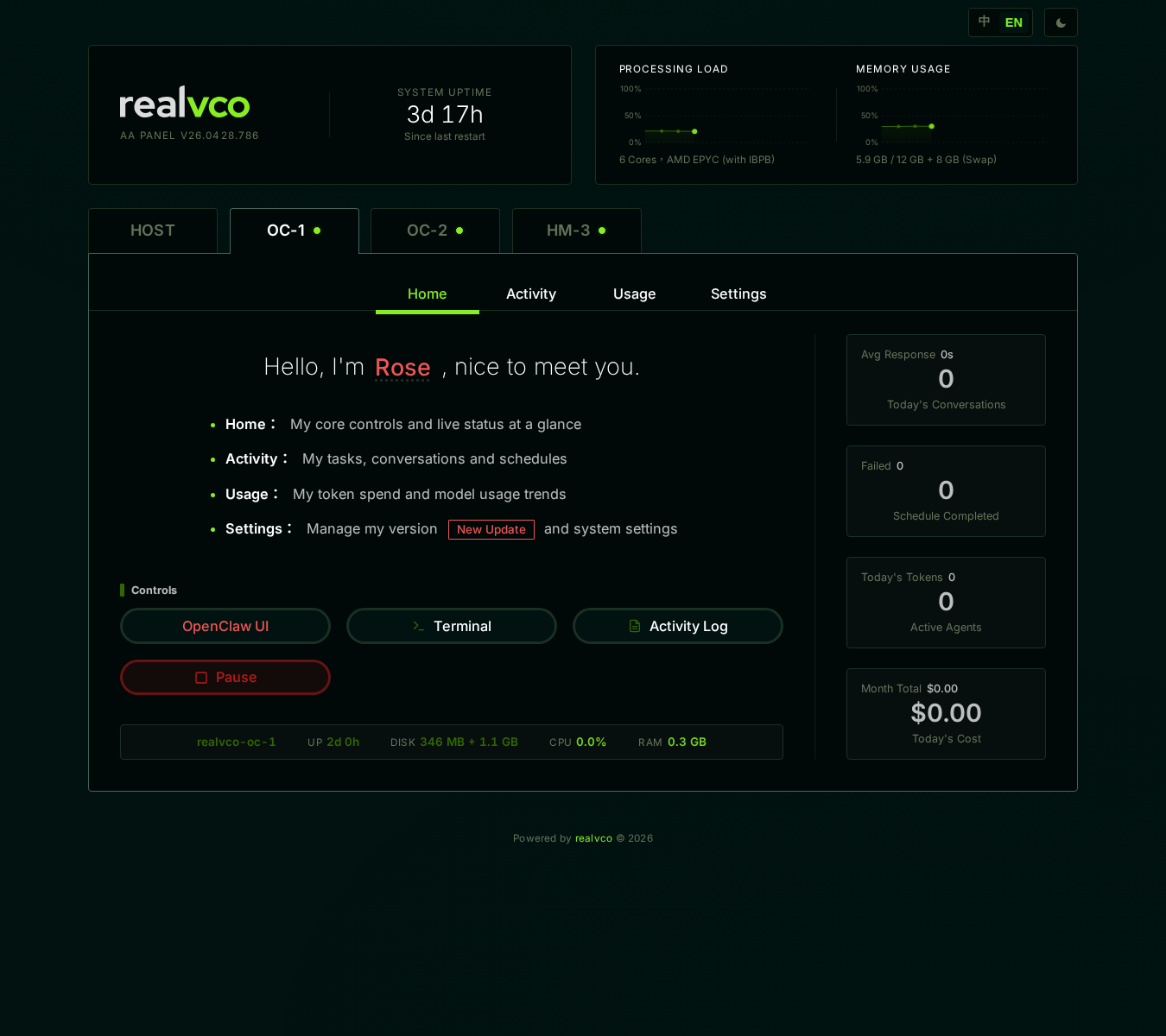
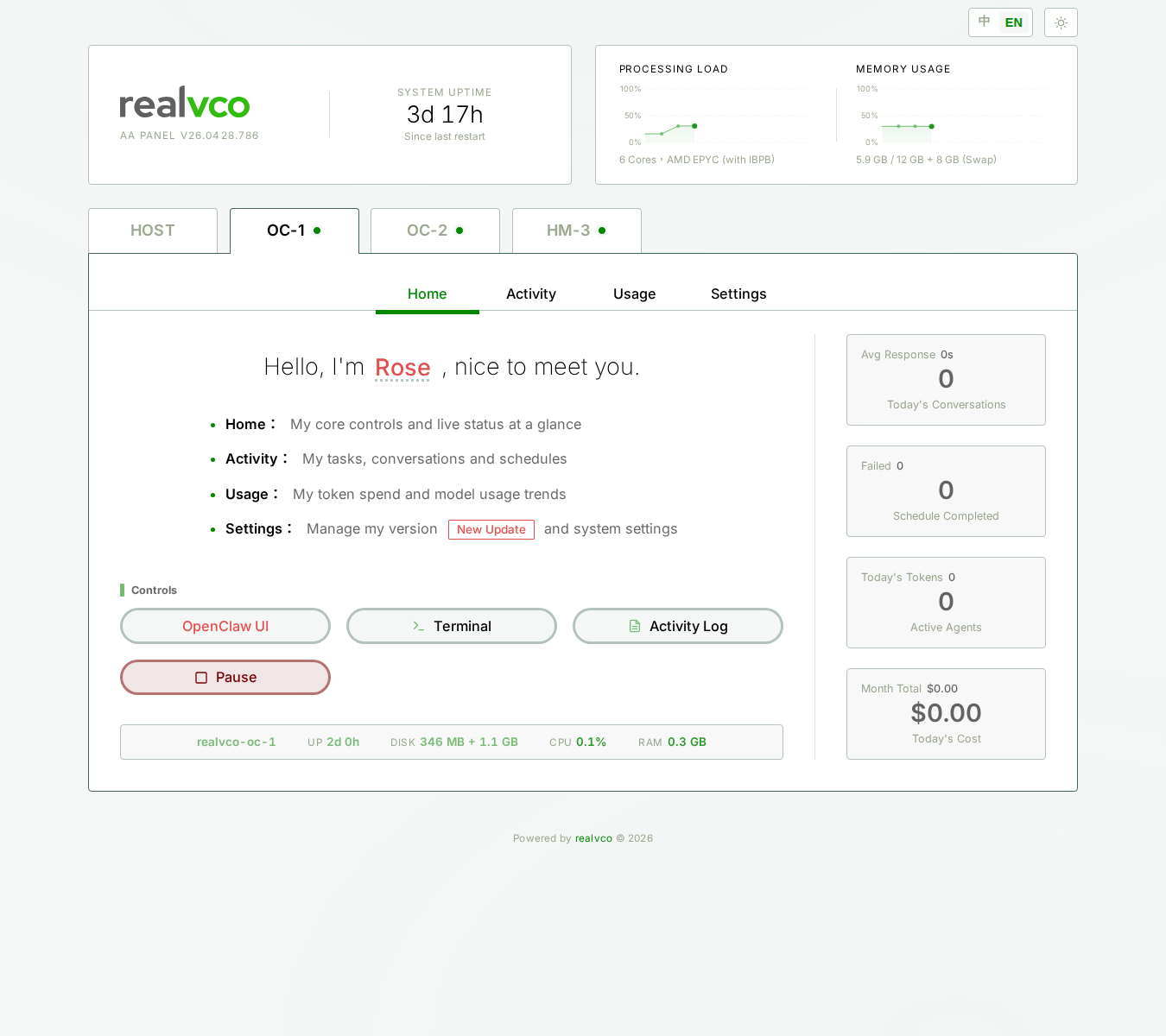
Each AI agent (OC-1 / OC-2 / HM-3) has its own tab, all three are structurally identical: 4 sub-tabs + 1 side panel.
This page applies to OC-1 / OC-2 / HM-3 alike. The 3 tabs have identical UI structure; only the underlying engine and current state differ (see comparison below).
The 4 sub-tabs
| Sub-tab | What it shows | Detail |
|---|---|---|
| Home | AI chat entry, recent status | Home sub-tab |
| Activity | Scheduled tasks, execution log | Activity sub-tab |
| Usage | Token consumption, cost trend chart | Usage sub-tab |
| Settings | Version upgrade, ROOT access, backups, platform connections | Settings sub-tab overview |
OC vs HM engine differences
UI is identical, engine isn’t:
| Property | OC-1 / OC-2 | HM-3 |
|---|---|---|
| Engine | OpenClaw (built on Claude Agent SDK) | Hermes (open-source Hermes-Agent based) |
| Default role | OC-1=Rose (manager) / OC-2=Ada (assistant) | Vi (lightweight backup) |
| Version string | OpenClaw 2026.4.27 | Hermes Agent v0.11.0 (v2026.4.23-rv1) |
| Capability | All-purpose, deep reasoning | Lightweight, low latency, English-strong |
| Best for | Primary work AI, complex tasks | Simple Q&A, quick replies, fallback |
For docs purposes, the 4 sub-tabs operate almost identically. All later pages in this category cover both engines; only “Settings → Version Upgrade” uses Tabs to show OC vs HM version strings.
Right side panel: Platform Connection
Each AI agent tab has a right side “Platform Connection” panel listing which messaging platforms this agent connects to:
| Platform | Default state |
|---|---|
| Web default UI | Enabled by default (web chat interface) |
| Telegram | Disconnected |
| Discord | Disconnected |
| Disconnected | |
| Slack | Disconnected |
Detail: Platform Connection.
Where to go next
By task:
- Want to chat with the AI → Home sub-tab
- Want to see what AI is doing / find errors → Activity sub-tab
- Want to track token / cost → Usage sub-tab
- Want to change AI settings → Settings sub-tab overview
Related
- HOST tab overview — Host-level operations
- AI Agent List — Entry point from HOST tab